
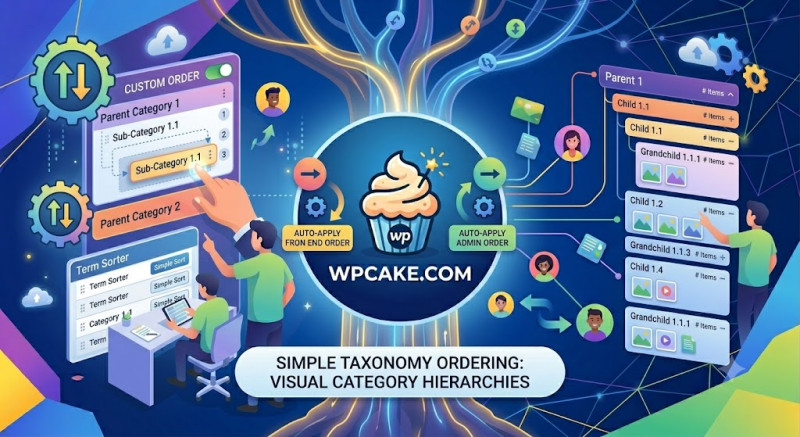
The Alphabetical Default Limitation
By default, WordPress sorts taxonomies like categories, post tags, or custom product attributes alphabetically. While this works well for simple lists, it falls short when you need to arrange items strategically. For example, an e-commerce storefront might want to highlight a flagship product category over others, or a food blogger might want to arrange recipe courses in order (Appetizers, Mains, Desserts) rather than alphabetically.
Simple Taxonomy Ordering solves this limitation by introducing an intuitive, visual drag-and-drop ordering system directly into the WordPress core administration panels.
System Initialization & Workflow
-
Installation Phase: Open Plugins > Add New, type "Simple Taxonomy Ordering" into the search field, install, and activate the plugin.
-
Accessing the Taxonomy Workspace: Head over to the taxonomy list you want to reorganize. For standard posts, go to Posts > Categories. If you are using WooCommerce, navigate to Products > Categories.
-
Using Drag-and-Drop Sorting: You will notice the standard category table looks almost identical, but hovering over any row now reveals a crosshair move icon. Click and hold the row you want to move, slide it up or down to your preferred position, and release it.
-
Saving the Layout: Depending on the version, the order saves automatically in the background via an AJAX request, or requires a quick click of a "Save Order" button at the bottom of the list.
Rendering the Custom Order on Your Site
Once arranged in the backend, your custom order will automatically apply to standard theme widgets and navigation structures.
If you use custom theme files or custom database queries, you can easily pull this custom order into your PHP templates by adding the orderby parameter to your arguments array:
...<?php
$args = array(
    'taxonomy'   => 'category',
    'orderby'    => 'term_order', // This parameter targets your custom layout
    'hide_empty' => false,
);
$categories = get_terms($args);
?>
This simple adjustment gives you full, precise control over how content groups are organized and prioritized across your entire website.