
The Challenge of Copied Text Formats
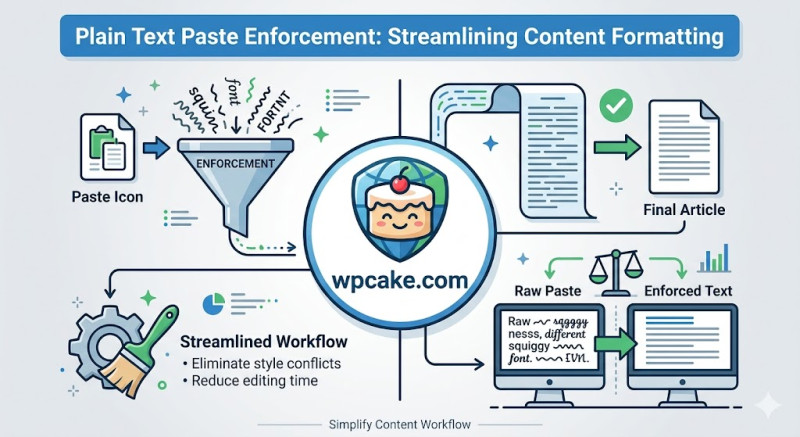
When content creators draft articles in external tools like Microsoft Word, Google Docs, or email clients, copy-pasting that text into the WordPress Gutenberg editor can often introduce unexpected styling issues. These external editors inject hidden inline HTML styles, complex font definitions, and non-standard spacing structures into the copied text. When pasted, these hidden formatting tags often clash with your site's native CSS styles, resulting in inconsistent fonts, broken text layouts, and messy code in the background.
The Plain Text Paste Enforcement plugin provides an elegant solution. It intercepts the paste command within the editor window and automatically strips out all external inline styles, leaving you with clean, unformatted plain text that perfectly matches your site's design.
Activating the Formatting Guard
-
Onboarding Phase: Go to Plugins > Add New, search for "Plain Text Paste Enforcement", click Install Now, and then Activate.
-
Opening the Editor Settings: Navigate to Settings > Paste Enforcement Rules.
-
Configuring Your Filtering Rules: Review and select your preferred formatting options:
-
Strip All Inline CSS styles: Ensure this option is checked to remove hidden font sizes and custom background colors.
-
Preserve Core Semantic HTML: Keep this toggle active if you want the editor to automatically strip styling while keeping essential layout tags like bold, italics, lists, and basic headers intact.
-
-
Saving Your Workspace Rules: Click Save Configuration Rules to update the editor.
Maintaining a Clean Writing Environment
With the plugin configured, your content team can copy and paste text freely from any external editor. The plugin strips out any messy, conflicting styles in the background, ensuring your text formats match your theme's design perfectly every time. This simple workflow saves your editorial team from manually clearing styles, keeps your site's typography looking polished, and prevents messy formatting tags from cluttering your page code.