
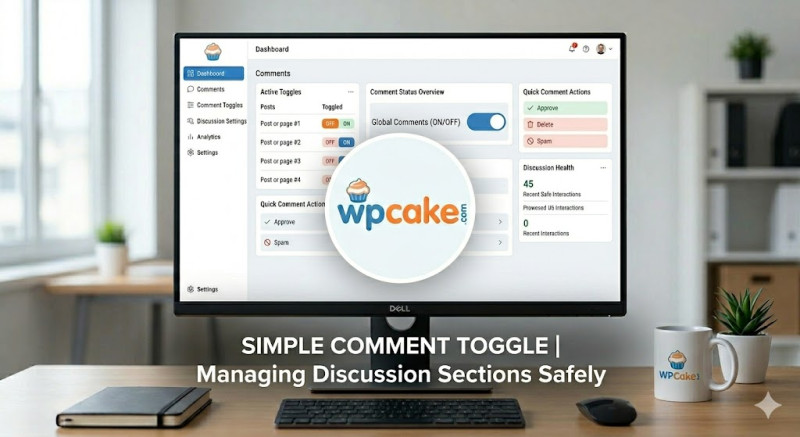
The Challenge of Comment Section Spam
While comments are a great way to encourage discussion and build a community around your blog, managing them can become a challenge over time. Older articles often become easy targets for automated spam bots looking to inject malicious links into your comment sections. While you can adjust discussion settings globally in WordPress, turning off comments for a specific post or a single category often requires editing individual articles one by one, which can be time-consuming on larger sites.
The Simple Comment Toggle plugin simplifies this management by adding a bulk toggle switch directly to your main category pages and content dashboards, allowing you to turn comments on or off across groups of articles with a single click.
Controlling Comments Globally and Safely
-
Onboarding Phase: Go to Plugins > Add New, search for "Simple Comment Toggle", click Install Now, and then Activate.
-
Opening the Management Panel: Navigate to Tools > Comment Toggle Options.
-
Selecting Your Targets: Use the configuration options to apply bulk rules across your site:
-
Bulk Category Toggles: Select specific categories (e.g., "Industry News") and turn off comments for all related posts simultaneously.
-
Age-Based Automations: Configure the system to automatically close the comment section on any article older than a set number of days (such as
90or180days), safely locking older pages away from automated spam bots.
-
-
Saving Your Settings: Click Apply Comment Status to run your updates.
Streamlining Your Security Workflow
Once updated, the plugin safely adjusts your comment settings in the background, keeping older or unmonitored pages secure from comment spam. This approach reduces the time your moderation team spends clearing out junk links and lets you focus on managing active, relevant conversations on your newest articles.