
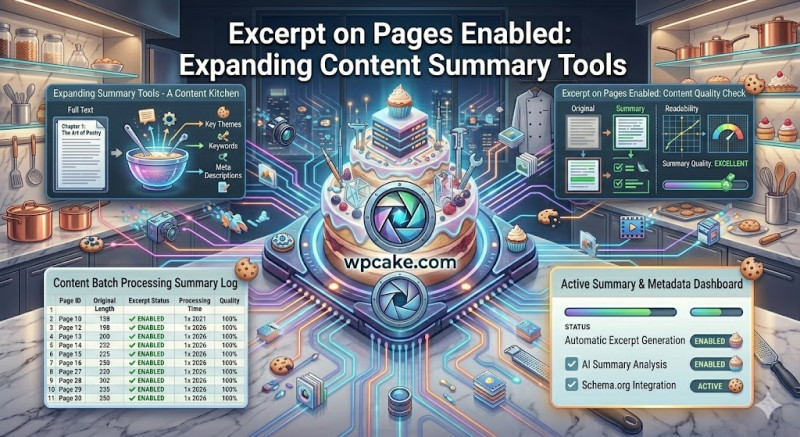
The Core Page Limitation
Natively, WordPress only supports summaries (excerpts) for standard posts. Pages, which are typically used for static content like services, about sections, or landing pages, don't include an excerpt field out of the box. However, as modern sites rely more on dynamic Gutenberg blocks, query loops, and custom search indexes, you often need short text summaries for pages to create clean grid layouts or improve site-wide search results.
The Excerpt on Pages Enabled plugin addresses this limitation by adding the standard excerpt support box to all static pages across your site with a single click.
Activating Page Summaries
-
Onboarding Phase: Go to Plugins > Add New, search for "Excerpt on Pages Enabled", click Install Now, and then select Activate.
-
Dashboard Integration: The plugin works instantly in the background without needing a dedicated settings page, hooking directly into the core
add_post_type_support()function. -
Using Page Excerpts: Open any static page inside the block editor. Look at the document settings panel in the right sidebar. You will now find a new Excerpt text field, identical to the one found on standard posts.
-
Adding Your Summary: Type a short, engaging description of the page into the field and click Update.
Enhancing Layouts and Search Results
With excerpts enabled for pages, custom query loops and post grids can now display clean, consistent summaries for your pages alongside your standard blog posts. Additionally, popular SEO plugins can use these custom excerpts as the default meta description for search engines, helping you maintain full control over how your core pages appear in search results.