
Tracking User Engagement
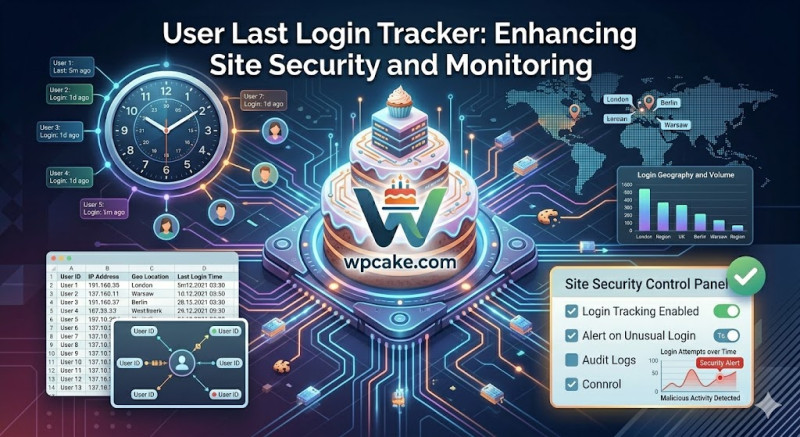
For membership sites, client portals, or multi-author platforms, keeping track of user activity is an important part of managing site security and engagement. Natively, WordPress shows you a list of registered users but doesn't record when they last logged into their accounts. Without this information, it's difficult to see which accounts are active, spot abandoned profiles, or notice unusual login patterns that could point to a compromised password.
The User Last Login Tracker plugin solves this by adding a simple, automated timestamp column directly to your user directory list.
Step-by-Step Security Tracking
-
Deployment Phase: Navigate to Plugins > Add New, search for "User Last Login Tracker", install, and activate the module.
-
Accessing the Tracking Directory: Navigate to Users > All Users.
-
Reviewing Activity Timestamps: You will notice a new column in the table labeled Last Login. The plugin automatically updates this field with a clear timestamp whenever a user logs in (e.g., 2 hours ago, or June 15, 2026).
-
Sorting and Managing Users: Click on the Last Login column header to sort your user list. This makes it easy to quickly find inactive accounts that haven't logged in for months, allowing you to safely archive or remove them.
Spotting Potential Security Risks
By tracking these login times, you can easily monitor your platform's activity. For example, if an author account that has been inactive for a year suddenly logs in outside of regular hours, you can spot the change instantly and verify their access rights. This simple tool adds a helpful layer of visibility to your site management, helping you keep your community secure and organized.