
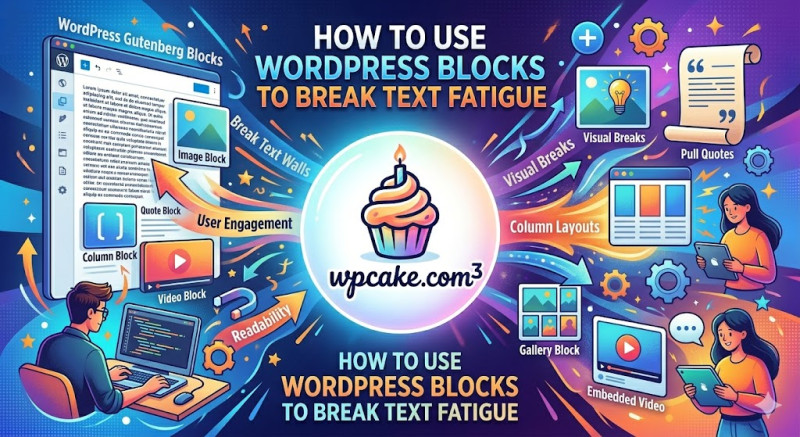
Monotonous text is the ultimate killer of digital user attention. When a reader confronts a seamless block of words stretching down the screen, their brain registers it as hard work, leading to instant text fatigue. The modern WordPress Block Editor, universally known as Gutenberg, is a powerful tool designed specifically to combat this phenomenon. By creatively mixing different media types and layouts, you can keep the visual experience dynamic and engaging.
The absolute golden rule of web writing is to maintain short paragraphs. You should never write more than three consecutive sentences in a single paragraph. White space is not empty space; it is a vital design element that gives the reader's brain a chance to rest and process information. Beyond white space, the Gutenberg editor offers specialized blocks that act as visual speed bumps, forcing the scrolling thumb to pause and take notice.
First, make regular use of the Quote Block. Pulling out a striking, controversial, or highly educational sentence and turning it into a blockquote immediately draws the eye. It breaks the rhythm of standard paragraphs and emphasizes your strongest points. Second, utilize the Media & Text Block. This allows you to place an image or an icon side-by-side with a short paragraph, creating a dynamic, magazine-like layout that is incredibly pleasing to look at on both desktop and mobile screens.
Additionally, take advantage of Callout Blocks or Group Blocks with custom background colors. You can use these to highlight warnings, step-by-step tips, or exclusive bonus resources. By changing the background color of a specific section, you signal to the reader that this information is particularly valuable. Visual variety keeps the user's brain active. By transforming your article from a boring essay into a rich, multi-layered visual journey, you dramatically increase the time users spend on your site.