
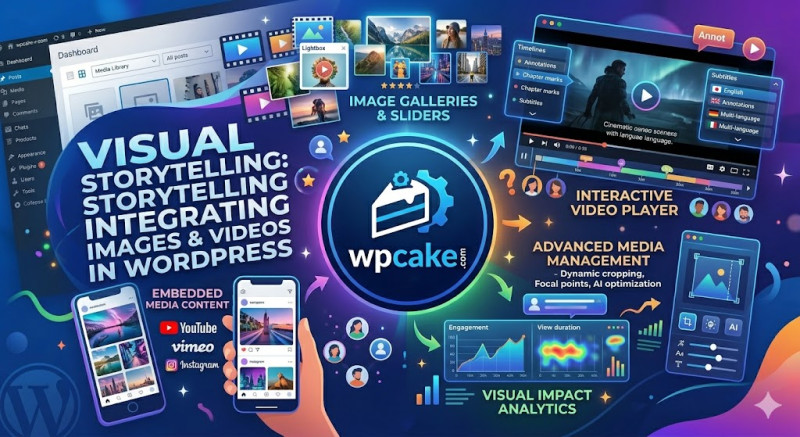
Images and videos should never be treated as mere decorations thrown into a blog post at the last minute. In the modern digital landscape, visuals are crucial structural components of your storytelling strategy. A single well-chosen image or a short embedded video can explain a highly complex technical concept faster than a thousand words of dense text. By blending visual media with your writing, you instantly boost user engagement and keep people on your site longer.
However, simply uploading random images to your WordPress library is not enough; you must execute a strategic approach. First, avoid generic, overly clinical stock photos at all costs. Users have developed a natural blindness to fake corporate handshakes and staged office smiles. Instead, use custom screenshots with annotations, unique infographics, charts, or original photographs that provide real context and value to the written text.
Second, you must optimize your visual media for website performance. Large, uncompressed image files will slow your WordPress site to a crawl. A slow-loading page frustrates users, causing them to abandon your site before your images even appear. Use lightweight file formats like WebP and deploy automatic compression plugins such as Smush, Imagify, or ShortPixel to keep your file sizes tiny without sacrificing quality.
Additionally, pay close attention to your Featured Image. This is the primary visual that represents your article across social media platforms and within your own site’s archives. Make it striking, clear, and relevant to the topic to maximize click-through rates. Finally, consider embedding short video recaps or explainers using the WordPress YouTube or Vimeo blocks. By balancing your written words with compelling multimedia, you cater to both visual and textual learners, ensuring that a much wider audience remains thoroughly glued to your page.