
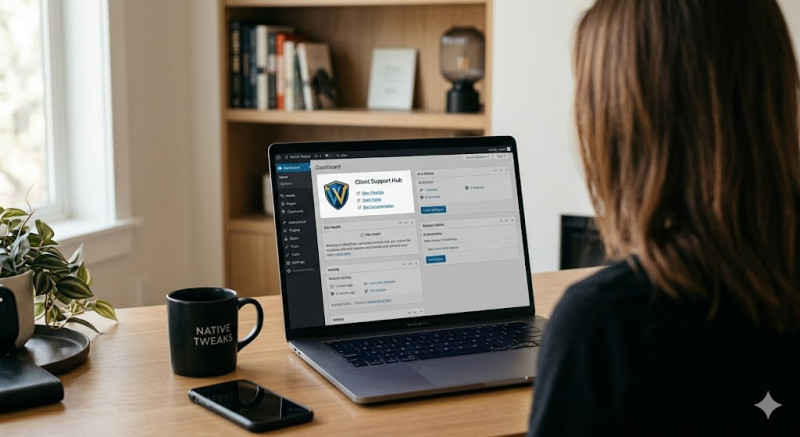
The default WordPress admin panel can quickly become cluttered, distracting, or uninspiring. While many users rush to install customization plugins, overloading your site with them bloats your database and introduces security risks.
WordPress actually includes powerful, built-in features that allow you to completely personalize your dashboard layout and brand your workspace cleanly. Here is how to do it natively.
1. Declutter Globally with Screen Options
The fastest way to personalize your workspace is to remove what you don't use. Look at the very top right corner of your screen and click on the Screen Options tab.
A drop-down panel will appear featuring checkboxes for every widget visible on that page. Uncheck the boxes for the tools you never use (like Quick Draft or WordPress News). This hidden panel works across almost every screen in your admin area, including your Posts and Pages overview screens.
2. Arrange Your Dashboard via Drag-and-Drop
Once you have hidden the irrelevant widgets, you can organize the remaining ones to fit your personal workflow. The dashboard boxes are completely modular. Simply click and hold the title bar of any box and drag it to a new location to create a clean, multi-column layout.
3. Switch to Built-In Admin Color Schemes
Staring at a bright screen causes eye strain, but you don't need a plugin to change the interface colors. WordPress includes eight beautiful profiles natively. Go to Users > Profile from your sidebar. Under Admin Color Scheme, select options like Midnight, Ocean, or Ectoplasm, and hit Update Profile to change your entire dashboard palette instantly.
4. Pro Personalization via Theme Functions
For deeper adjustments—like adding custom welcome messages or changing the login screen—you can drop these lightweight code snippets into your theme's functions.php file:
A. Custom Welcome Dashboard Widget
Replace default WordPress prompts with a custom note, project guidelines, or support links:
function custom_dashboard_welcome_widget() {
    wp_add_dashboard_widget('custom_welcome_id', 'Welcome!', 'display_custom_welcome_content');
}
function display_custom_welcome_content() {
    echo '<p>Welcome back! Need help with your site? Contact support@yourdomain.com.</p>';
}
add_action('wp_dashboard_setup', 'custom_dashboard_welcome_widget');
B. Clean Up the Admin Sidebar Menu
Hide specific sidebar sections (like "Comments" or "Tools") to streamline navigation for clients or editors:
function remove_unwanted_admin_menus() {
    remove_menu_page('edit-comments.php');
    remove_menu_page('tools.php');
}
add_action('admin_menu', 'remove_unwanted_admin_menus');
Conclusion: You don't need heavy administrative plugins to make your website backend comfortable. By mastering Screen Options and dropping a few lightweight native snippets into your theme, you can build a fast, beautiful, and highly personalized WordPress experience.