
When people notice their WordPress website is running slow, they often panic. They think they need to hire an expensive developer, learn how to code, or spend hours modifying dangerous system files.
But here is a secret: you can drastically accelerate your website’s performance using completely visual, built-in settings and simple toggle buttons. If you can click a mouse, you can make your website lightning-fast.
Here is how to transform your WordPress site into a speed rocket today—completely code-free.
1. The 10-Second Pingback Purge
Every time another blog mentions your website, WordPress automatically runs a background check called a "pingback" or "trackback." While this sounds useful, it forces your website to constantly communicate with external servers, creating a massive drag on your performance.
You can turn this completely off in three clicks:
-
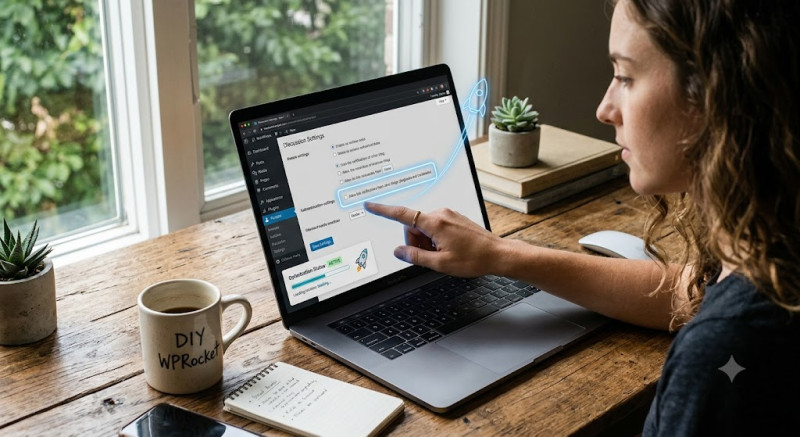
Go to Settings > Discussion in your sidebar.
-
Uncheck the box that says: "Allow link notifications from other blogs (pingbacks and trackbacks) on new articles."
-
Scroll to the bottom and click Save Changes.
By cutting off this useless background chatter, you instantly free up your website’s processing power.
2. Streamline Your Front Page Layout
If your homepage or main blog page displays full articles one after the other, your visitors’ browsers have to download thousands of words and dozens of images all at once. This creates a painful lag.
Instead, switch your layout to show quick, clean summaries:
-
Navigate to Settings > Reading.
-
Find the option labeled: "For each post in a feed, include..."
-
Switch the toggle from Full text to Excerpt (Summary).
-
While you are there, reduce the number of "Blog pages show at most" from 10 down to 5 or 7.
This structural tweak makes your homepage load almost instantly, while encouraging users to click through to read the full articles—which also boosts your page views.
3. Deactivate Your "Digital Ghosts"
One of the biggest reasons WordPress sites slow down over time is plugin bloat. Many website owners install a plugin to try a feature, decide they don't like it, and simply leave it sitting there.
Even if a plugin is deactivated, its files can still cause conflicts or trigger unnecessary background updates. Take two minutes to audit your site:
-
Go to Plugins > Installed Plugins.
-
Click on the Inactive tab at the top.
-
Check the master box to select all of them, choose Delete from the dropdown menu, and hit Apply.
Keeping your plugin closet completely clean ensures your server only spends its energy on what your visitors actually see.
Conclusion: Speeding up WordPress doesn't require a computer science degree. By simply toggling off pingbacks, limiting your homepage content, and deleting unused plugins, you strip away the digital weight holding your site back. Take five minutes to apply these simple clicks today, and watch your loading speeds soar!