
Enhancing Brand Consistency
The WordPress login page (wp-login.php) is often the first interface your clients, authors, or members see when interacting with your website. By default, this screen features a standard WordPress logo and generic error messages like "Invalid username" or "The password you entered is incorrect." For custom membership sites or client portals, these generic messages can feel impersonal and miss an opportunity to reinforce your brand identity or provide helpful guidance.
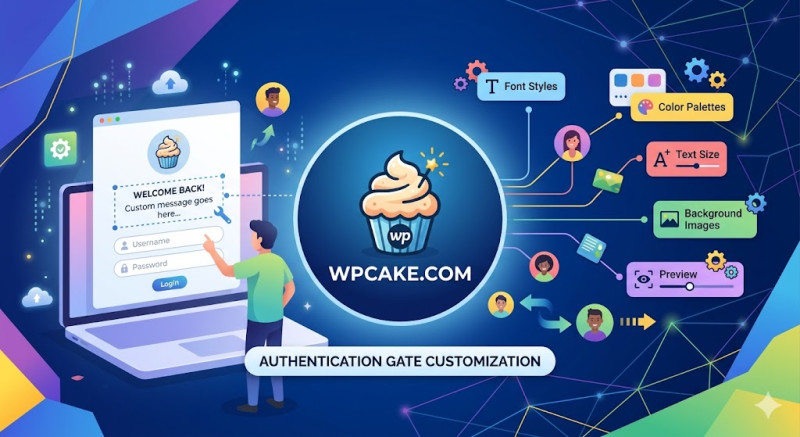
The Login Message Editor plugin offers a quick and easy way to customize this experience. It allows administrators to edit all default authentication messages, add helpful onboarding notes, and display clear instructions right on the login interface.
Step-by-Step Customization Workflow
-
Onboarding the Plugin: Go to Plugins > Add New, search for "Login Message Editor", install, and activate the module.
-
Opening the Configuration Interface: Navigate to Settings > Login Messages to open the customization dashboard.
-
Editing Core Messages: The panel provides clear text fields for modifying standard WordPress alerts:
-
Welcome Message: Add a friendly greeting above the login form, such as "Welcome to the Partner Portal. Please enter your credentials below."
-
Authentication Error Message: Soften generic alerts with helpful guidance, like "The login details provided do not match our records. If you need assistance, please contact support at help@domain.com."
-
Password Reset Notice: Update the reset text to provide clear instructions, like "Check your inbox for a secure password reset link. Be sure to check your spam folder if it doesn't arrive within 5 minutes."
-
-
Saving Your Changes: Click Save Configurations to update the interface.
Advanced Usage Tips
You can also use standard HTML tags within these text fields to add helpful links, such as direct paths to your support desk or public user documentation.
This customization ensures that even if users run into login issues, they are greeted with helpful, on-brand guidance rather than generic system alerts. It's a simple touch that makes your platform feel premium, secure, and thoughtful.