
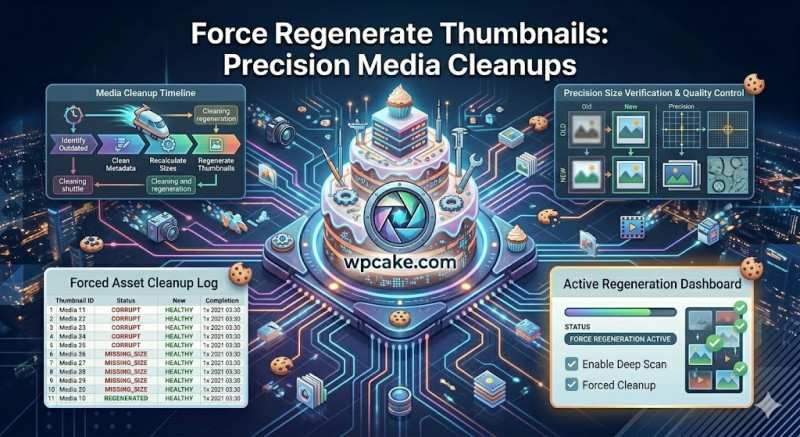
The Problem with Leftover Image Sizes
Whenever you upload an image, WordPress automatically creates multiple copies of it in various dimensions (such as thumbnail, medium, and large) to match your theme's layout needs. Over time, as you switch themes or update plugins, your image dimension requirements will often change. Standard media plugins can generate new sizes for you, but they often leave the old, unused image files sitting on your server, quietly wasting gigabytes of storage space.
The Force Regenerate Thumbnails plugin offers a thorough cleanup tool. It doesn't just create your newly required image sizes—it also automatically finds and permanently deletes the old, unused file sizes from your server.
Running a Complete Media Optimization
-
Installation Phase: Open Plugins > Add New, search for "Force Regenerate Thumbnails", click Install Now, and activate the plugin.
-
Opening the Clean-Up Tool: Navigate to Tools > Force Regenerate Thumbnails.
-
Running the Regenerator: Review the summary of your active image dimensions, and click the prominent Regenerate All Thumbnails button.
-
Monitoring Progress: The plugin will process your media library step-by-step, showing a live progress bar that tracks:
-
The file currently being resized.
-
The number of old, abandoned thumbnail files successfully removed from your server.
-
Any files that couldn't be processed due to missing original assets.
-
Saving Server Space Safely
Important Safety Note: Because this plugin permanently deletes old image sizes from your server, it is highly recommended to run a full backup of your
/wp-content/uploads/directory before starting the process. Once complete, you will free up valuable server storage space and ensure your media library is perfectly optimized for your current theme layouts.