
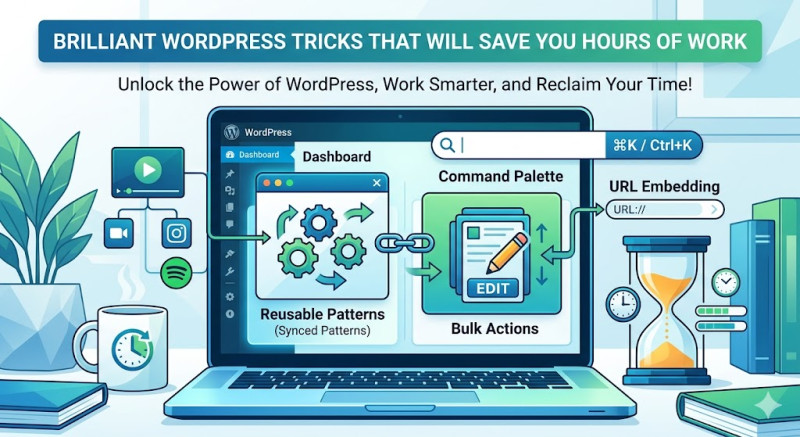
Time is the most valuable asset for any website owner, blogger, or developer. If you find yourself spending hours adjusting layouts, manually fixing broken links, or repeating the exact same design steps over and over, you are doing it wrong. WordPress has plenty of built-in shortcuts and clever hacks that can streamline your workflow instantly.
Here are four brilliant WordPress tricks that will save you hours of tedious work.
1. Master Reusable Blocks & Patterns
If you regularly use the same call-to-action (CTA) banner, author bio, or newsletter signup form across multiple articles, stop recreating them from scratch.
The block editor allows you to save any block or combination of blocks as a Synced Pattern (formerly known as Reusable Blocks).
-
Design your block once.
-
Click the three dots in the toolbar and select Create Pattern.
-
Toggle the "Synced" option.
Now, you can insert this pattern into any page with two clicks. The best part? If you edit the pattern in one place, your changes will automatically update across the entire website.
2. The Bulk Edit Hidden Power
Need to change the author of 50 different posts? Want to switch 20 articles from one category to another? Don't waste time opening every single post.
Go to your Posts dashboard, check the boxes next to the articles you want to modify, and select Edit from the Bulk Actions dropdown menu at the top. Click Apply, and a panel will open allowing you to change categories, tags, authors, status, and comments for all selected posts at once.
3. Quick-Jump with Command Palette
WordPress features a powerful tool that works just like Spotlight on Mac or Windows Search. By pressing Ctrl + K (or Cmd + K on Mac) while inside the site editor or post editor, you open the Command Palette.
Instead of clicking through endless sidebar menus, you can type commands like "Add new post," "Open Styles," or the name of a specific template you want to edit. It allows you to navigate the back-end of your site entirely via your keyboard, slashing navigation time to zero.
4. Direct URL Embedding for Media
Stop hunting for embed codes or installing heavy third-party plugins just to showcase external content. WordPress has a native feature called oEmbed.
If you want to embed a YouTube video, a Tweet, a Spotify playlist, or a Pinterest pin, simply copy the URL from your browser address bar and paste it directly into an empty space in the block editor. WordPress will instantly recognize the source and transform the plain link into a beautiful, responsive embed.
Conclusion: Working hard is great, but working smart is better. By incorporating these workflows into your routine, you can eliminate repetitive tasks, keep your focus on creating content, and win back hours of your week!