
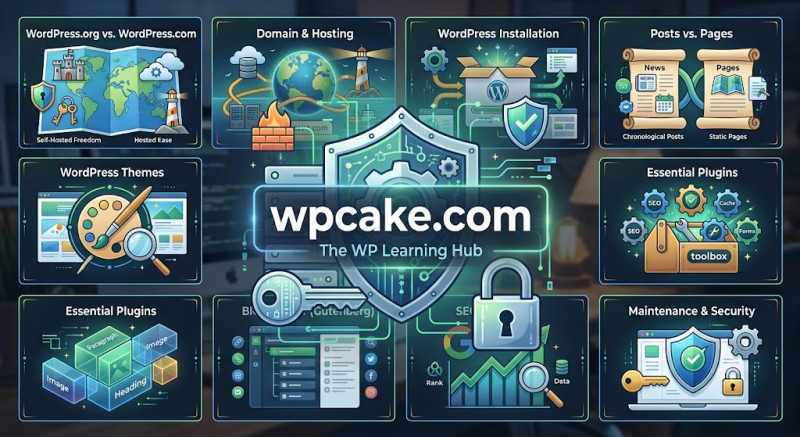
Congratulations! Your WordPress website is now up, running, beautifully designed, and optimized for search engine traffic. However, a website is not a "set it and forget it" project. Continuous maintenance is required to ensure it remains secure, fast, and operational.
The Importance of Regular Updates
WordPress is constantly evolving. The core development team regularly releases updates to fix bugs, add features, and patch security vulnerabilities. Additionally, theme and plugin developers frequently update their own software.
Make it a habit to log into your dashboard at least once a week to run updates. Go to Dashboard > Updates to see what needs attention. Always make sure your site backup is fresh before running major updates.
Securing Your Website
Because WordPress is so popular, it is a frequent target for malicious hackers. Protect yourself by following these security rules:
-
Use Strong Passwords: Never use "admin" as your username. Use complex, long passwords.
-
Implement Two-Factor Authentication (2FA): This requires a code from your mobile phone to log in.
-
Limit Login Attempts: Use a plugin to lock out IP addresses that repeatedly type in the wrong password.
Keeping Speed Optimized
Over time, databases collect digital clutter, and large images can slow down your site load times. Always compress images using tools like TinyPNG before uploading them to your media library.
By setting up automatic backups, keeping software updated, and practicing basic digital hygiene, your WordPress website will remain a powerful, secure asset for your business or blog for years to come.