


Description
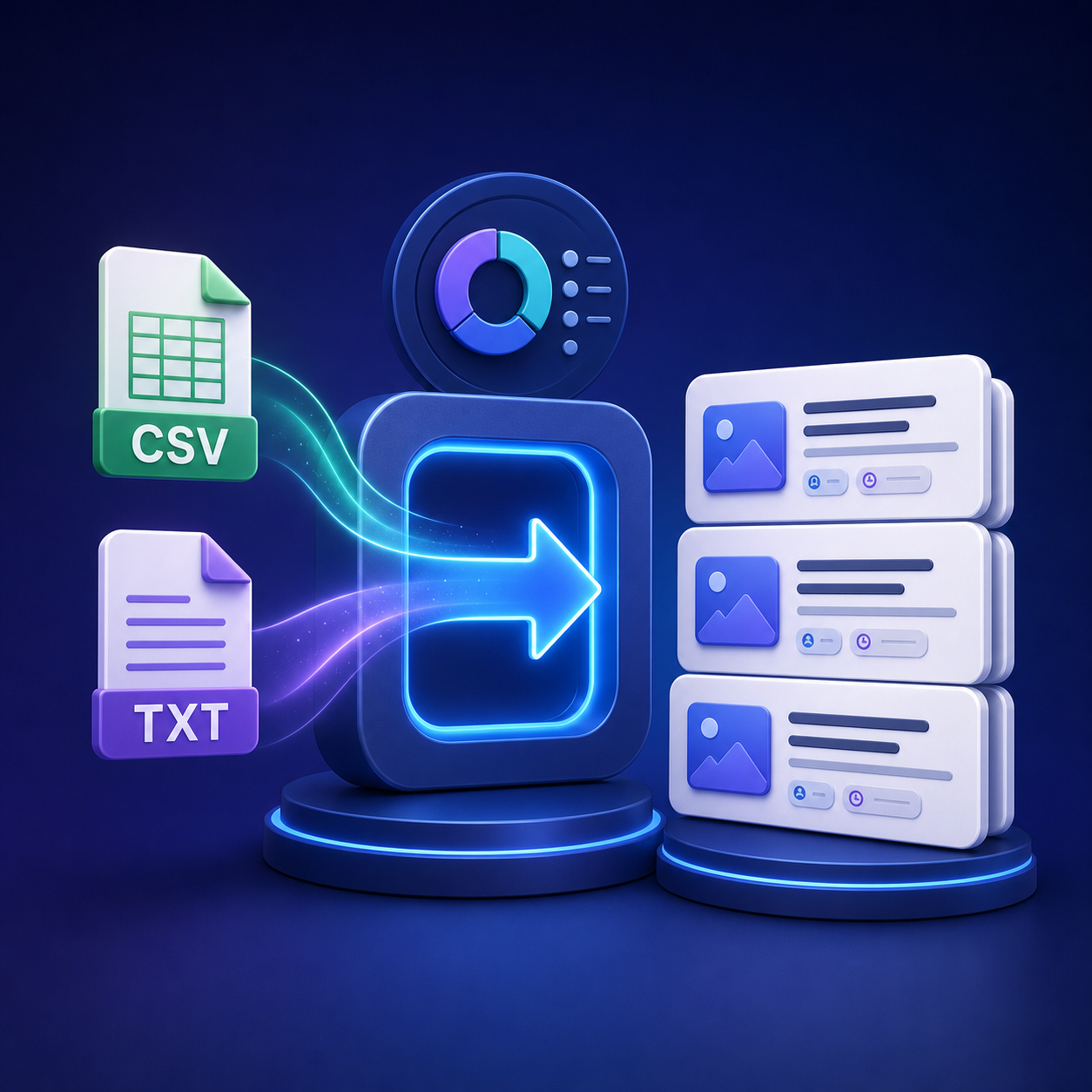
Import ready-to-publish WordPress content from CSV or TXT files with a clear review workflow and practical SEO metadata support.
CSV/TXT Automatic Post Importer is built for publishers, agencies, store owners, and content teams that need to add multiple articles without copying every title, paragraph, category, and tag by hand. Upload a file from your computer or provide a remote file URL, preview the detected articles, validate them, and approve individual entries or the entire batch.
Import content your way
Use CSV for structured content and precise field mapping, or use the simple TXT format when you only need a title and article body. CSV imports can include a stable external ID, title, content, slug, excerpt, categories, tags, SEO title, meta description, canonical URL, robots directives, and publication date.
Review before publishing
The approval queue lets you inspect imported articles before they are created in WordPress. Approve one item, approve all valid items, or discard entries that need more work. Built-in validation highlights missing required data and checks the minimum article length configured by the administrator.
Key features
- Import CSV and TXT files from your computer.
- Load a public CSV or TXT file from a URL.
- Create WordPress posts, pages, products, media entries, or supported custom post types.
- Assign an existing WordPress category and add keywords as tags.
- Use per-article categories and tags supplied in a CSV file.
- Review articles individually or approve a complete valid batch.
- Prevent duplicate imports with a stable external ID.
- Preserve the author and status of existing posts during updates.
- Store neutral SEO metadata and optionally integrate with Yoast SEO or Rank Math.
- Validate word count, metadata, slug, canonical URL, robots settings, and publication date.
- Run scheduled imports for a configured remote file.
- Keep an import log for easier monitoring and troubleshooting.
Simple CSV structure
At minimum, provide columns for external_id, title, and content. Add optional columns when your workflow needs more control. The importer supports common delimiters and a header row, making files easy to prepare in Excel, Google Sheets, or any text editor.
Requirements
- A working WordPress installation.
- Permission to install plugins and create the selected content type.
- UTF-8 encoded CSV or TXT files are recommended.
Version: 1.4.1
Delivery: downloadable ZIP file
Interface language: English










There are no reviews yet.